Sound Map
1. First sound map – at school
First choose a spot in the school grounds (playground, corridor window, front gate). Give each child a simple circle map with “Me” written in the centre.
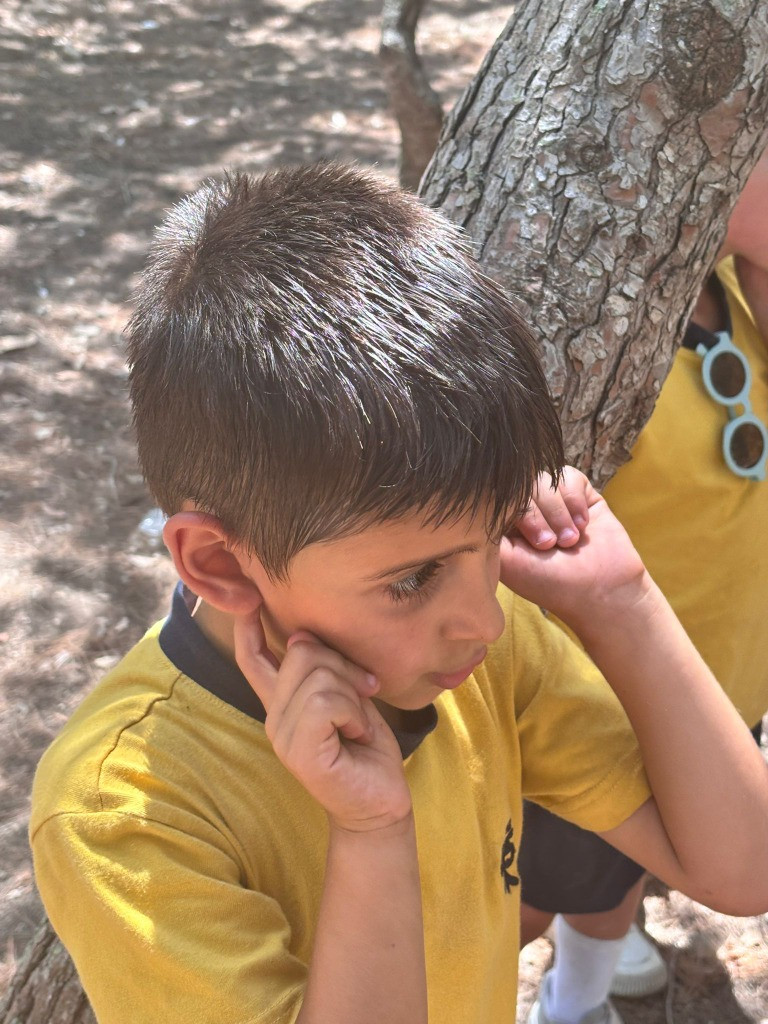
Make the children sit or stand quietly for 3–5 minutes, listening to the surrounding sounds. As they hear sounds, they mark them on the map (e.g. bird above, footsteps left, cars right).
Use small sketches or symbols — not just words (e.g. wave lines for wind, shoe prints for footsteps) and make them add a colour dot to show how each sound makes them feel: (e.g., pink = happy, green = calm, red = annoying, blue = noisy, etc.)
2. Second sound map – on an outing or in the school garden
Repeat the same activity, but this time in a greener space: the school garden, nearby field, or on trip to a Nature Reserve. Create another sound map with the same method and ask the children:
Do you hear different types of sound? Are any new sounds from nature?
Again, include how each sound makes them feel.
3. Compare and Reflect
Back in class, compare the two maps:
How many sounds were natural?
How many were human-made or machine-made?
Which place felt more peaceful?
Ask:
If you were a bird, where would it be easier to sing?
Discuss the idea that urban nature struggles to make its voice heard — but it’s still there if we listen carefully.
Optional Extension
Create a class mural or bar chart showing “Human sounds” vs “Nature sounds.” You can also start a “Quiet Minute” practice where the class listens for one minute every day to become more aware.
Resources & Equipment Needed
- Pens/pencils with different colours;
- Sound Map.
You can download these instructions in PDF by clicking here: Generate PDF
Downloadable Material
Make sure to take photos of:
1. Class working on the sound map2. Display of the sound map
Learning Outcomes & Curriculum Integration
Sorry but this is currently not available - will be added soon!