Reel Them In!
1. Plan your story
Talk with the children about the reel and choose one activity, discovery, or learning highlight from your Dinja Waħda or Nature School topics. Find an agreement on what the reel should show (e.g., fun, skills, nature, teamwork).
2. Capture real moments
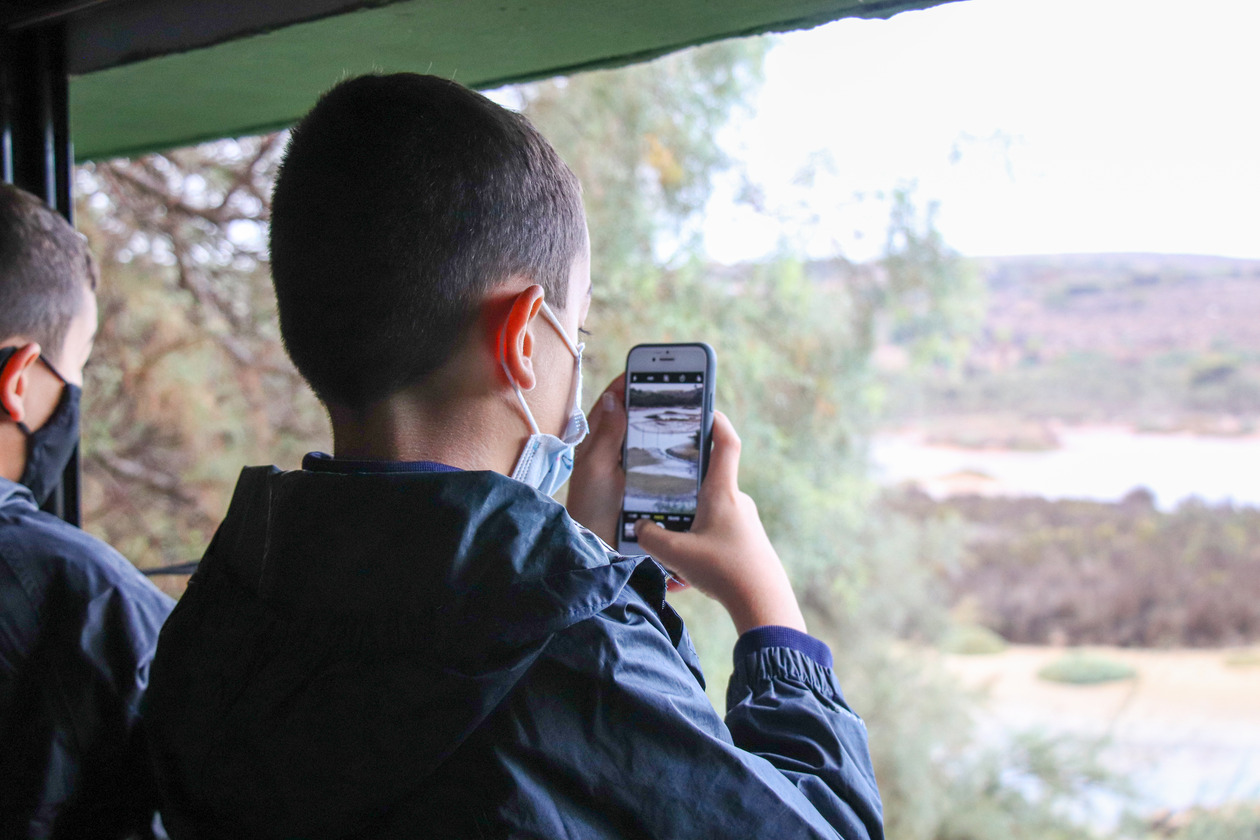
Use a mobile phone to record – keep it upright and steady. You should film children in nature, exploring, discovering, or working together.
Short clips work best (3–5 seconds each) and try to capture natural sounds and smiles!
3. Edit your clips
Edit your video, adding captions and a title page. Make sure to include "Dinja Waħda" in your title. This will encourage others to follow your example.
In the Downloadable Materials you will find "Instructions for Instagram" and "Instructions for Capcut", short guides on how to create content using these apps.
Remember to add the Dinja Waħda logo to your reel (Download it by clicking on the image below and selecting “Save image as”).

4. Share your work
Once your reel is ready, share on your school’s social media pages and tag BirdLife Malta using:
-
Facebook: @birdlifemalta, @dinjawahda, #dinjawahdareel
-
Instagram: @birdlife_malta
Tips
- Hold the phone upright; stay steady.
- Aim for a total of 20–30 seconds.
- No need for fancy editing – clear clips in sequence are perfect.
- Focus on what children are doing or saying.
- You may add short labels (e.g., “Exploring bark”, “Working as a team”, “Counting seeds”).
- Insert photos if you missed filming an important part of your story.
- Include children’s voices (e.g., “We found…”, “We noticed…”).
- An app you can use to edit the reel is the free version of https://www.capcut.com/, downloadable on your phone.
Resources & Equipment Needed
- Mobile phone or tablet;
- Outdoor space;
- Dinja Waħda activity materials;
- Simple editing app (e.g. Capcut or Canva) (optional);
You can download these instructions in PDF by clicking here: Generate PDF
Downloadable Material
Instructions for Instagram
PDF Document
Instructions for Capcut
PDF Document
Make sure to take photos of:
1. The screenshot of the finalized reel publishedLearning Outcomes & Curriculum Integration
Sorry but this is currently not available - will be added soon!